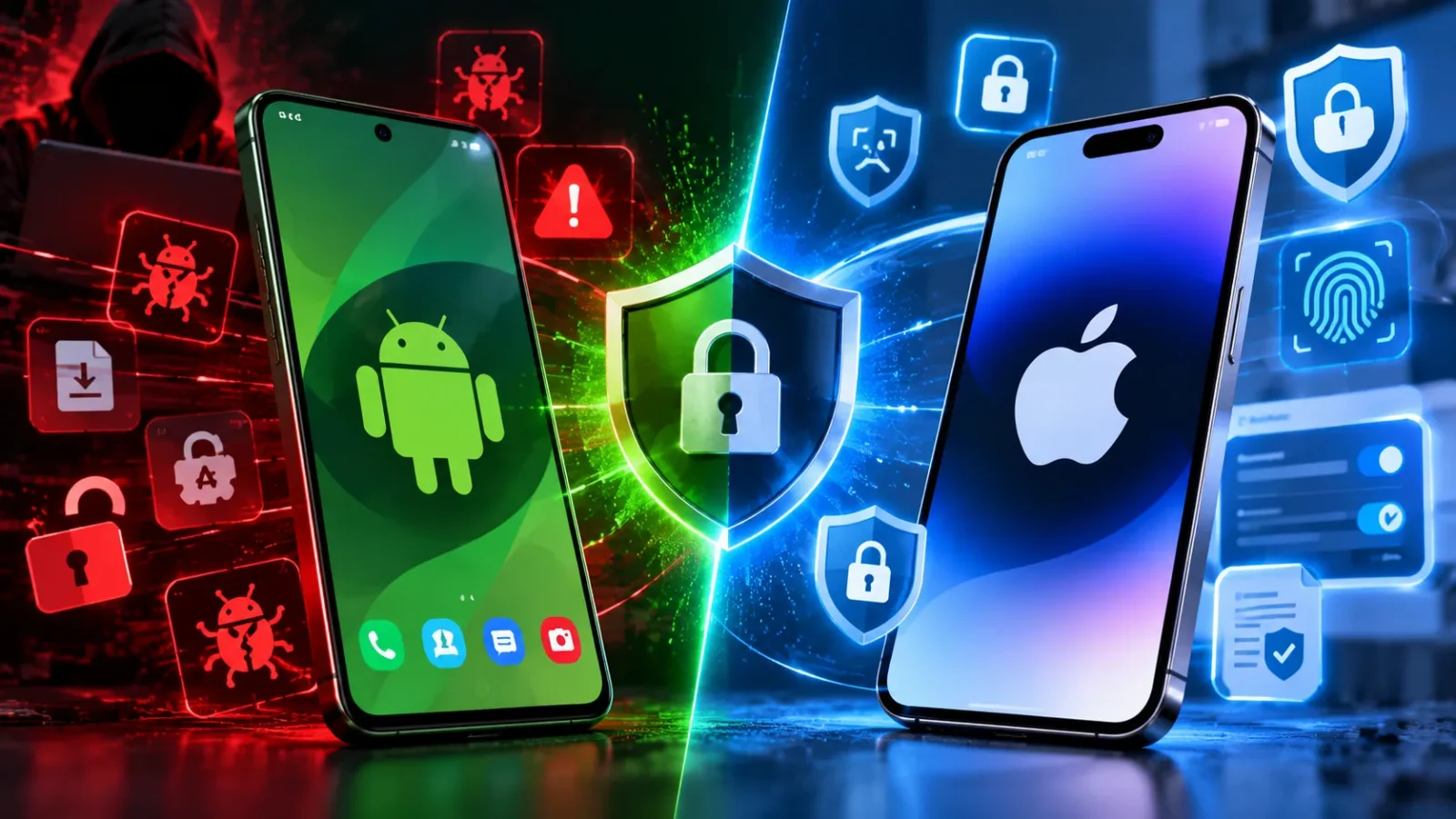
Every phone ad claims to be secure. Neither Android nor iPhone is actually unhackable, and the honest comparison between them isn’t as one-sided as most people assume going in.
iPhone is generally more secure for the average user because Apple controls both the hardware and software, pushes updates to every supported device at the same time, and runs a tightly reviewed App Store. Android can match or beat that security level on specific devices, Google Pixels and Samsung’s flagship phones with Knox, specifically, but the wider Android ecosystem is more fragmented, and that fragmentation is where most real-world Android security problems actually come from.
Below is the full, direct breakdown: what gets hacked more, which security features each one actually has, where Samsung fits into this, and which phone OS is genuinely the most secure right now.
Android vs iPhone Mobile Security: Which is Better?
For most people, iPhone. Apple’s closed ecosystem means every iPhone gets the same security update on the same day, every app goes through the same App Store review process, and there’s only one company responsible for the whole security chain, hardware, OS, and app store. That consistency is what actually keeps most users safe, not any single flashy feature.
Android isn’t automatically worse, though. A Google Pixel or a Samsung Galaxy flagship, kept updated, comes close to iPhone-level security. The catch is the word “average”, across the entire Android ecosystem, including budget phones from manufacturers who stop sending updates after a year or two, the overall security picture is weaker simply because so many Android phones out there aren’t getting patched.
What Gets Hacked More, iPhone or Android?
Android, by a wide margin. Independent security research consistently shows the overwhelming majority of mobile malware, often cited around 95-97% of all mobile malware infections, targets Android devices, not iPhones. The main reason: Android allows sideloading apps from outside the Google Play Store, and it allows a wider range of third-party app stores altogether. iOS doesn’t allow either of those by default, which closes off the single biggest path malware actually uses to get onto a phone.
That doesn’t mean iPhones are never targeted. iPhone users face fewer but more sophisticated threats, including state-sponsored spyware like Pegasus, which has specifically targeted high-profile iOS users through zero-click exploits. So what gets hacked more, iPhone or Android, depends on what kind of attack you’re talking about: Android takes the volume of everyday malware, while iPhone attacks tend to be rarer but more targeted and technically advanced.
Android vs iPhone Security: Which Is Safer?
Android vs iPhone security which is safer comes down to daily use, like browsing, banking apps, messaging, downloading apps. For everyday use, iPhone is safer for most people, for the reasons above: consistent updates, a locked-down app store, and one company controlling the entire security chain.
“Safer” depends heavily on which specific device you’re comparing. A three-year-old budget Android phone that stopped receiving security updates is far less safe than a current iPhone. A current Samsung Galaxy S-series or Google Pixel with Knox or Android’s built-in security features turned on is a much closer contest, and for some specific threats, genuinely competitive.
iPhone Vs Android Security Features
A side-by-side look at what each platform actually gives you:
| Feature | iPhone | Android |
|---|---|---|
| App review process | Strict, centralized App Store review | Google Play Protect scanning, but sideloading bypasses it entirely |
| Update delivery | Same day, direct from Apple, to all supported devices | Depends on manufacturer and carrier — often delayed months, sometimes never |
| Encryption | On by default across all devices | On by default on recent devices, but varies by manufacturer and model |
| Biometric security | Face ID / Touch ID, hardware-backed | Fingerprint/face unlock, hardware-backed on flagship devices |
| Sideloading apps | Not allowed by default | Allowed, and this is the single biggest malware entry point |
| Find My / remote wipe | Find My iPhone | Find My Device |
| Sandboxing (apps isolated from each other) | Strict, consistently enforced | Strong on recent Android versions, less consistent on older/budget devices |
| Long-term software support | Typically 5+ years of updates | Varies wildly — flagship Samsung/Pixel now offer 7 years; budget brands often 1-2 |
Android vs. iPhone Mobile Security: Pros and Cons
iPhone:
- Pros: consistent updates for every user at once, strict app review, no sideloading risk, strong default encryption
- Cons: less customizable, repairs and parts are pricier, you’re fully dependent on Apple’s own timeline for fixes
Android:
- Pros: more device and price choice, flagship models (Pixel, Samsung) now offer genuinely long update support, more control over permissions and security settings if you know how to use them
- Cons: sideloading risk, inconsistent update timelines across manufacturers, security quality varies enormously between a $200 phone and an $1,100 flagship
Mobile OS Security: What Actually Decides It
Strip away the brand names, and mobile OS security really comes down to three things: how fast updates reach your specific device, how tightly the app store is controlled, and whether the phone’s manufacturer keeps supporting it.
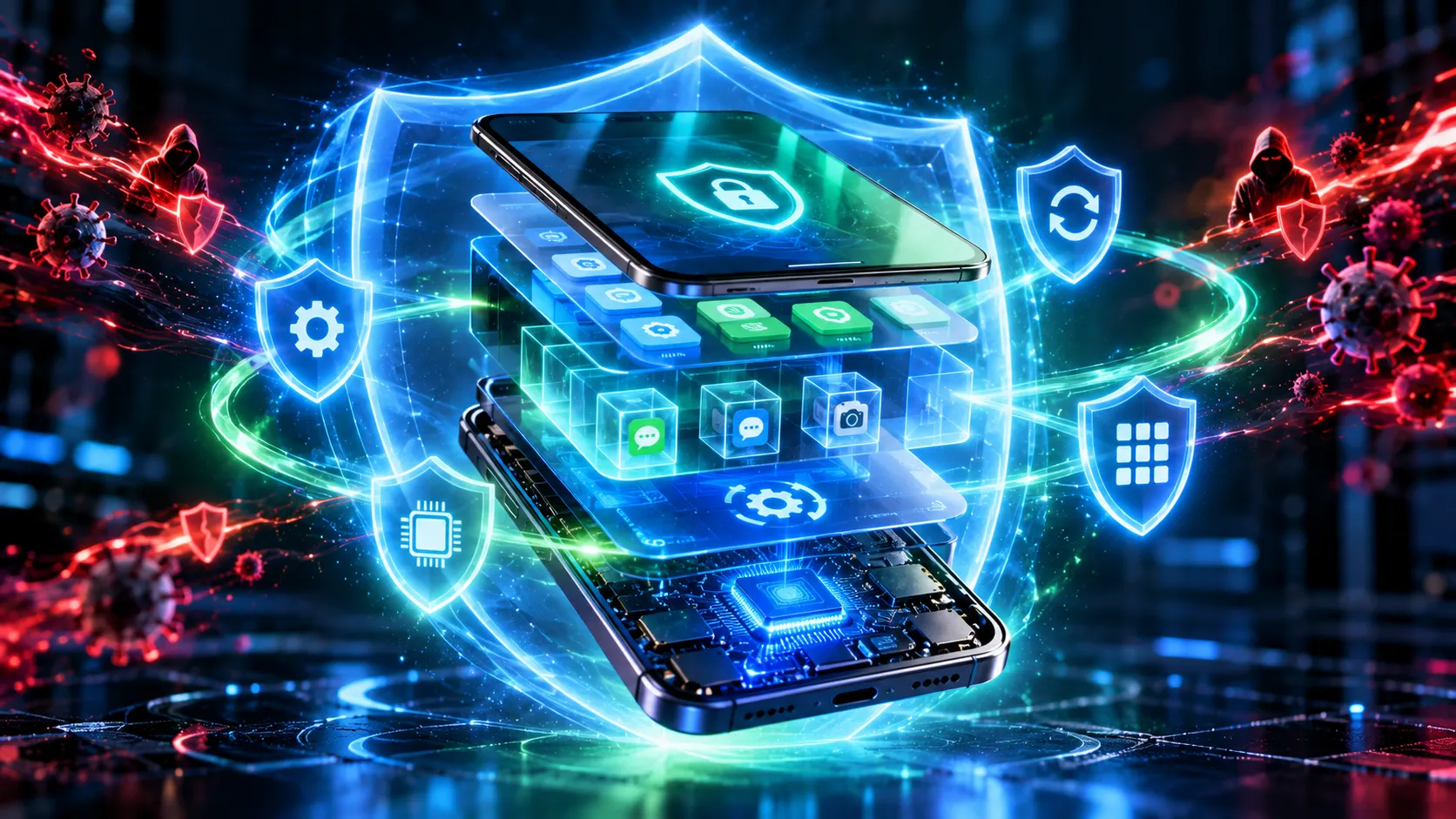
iPhone wins on all three by default, because Apple owns the whole chain. Android can match iPhone on all three, but only on specific, well-supported devices, and only if you actually install the updates when they arrive. The operating system matters less than most people think; the manufacturer’s actual commitment to updating your specific device matters more.
Frequently Asked Questions
Which phone has the strongest security?
For most users, a current-generation iPhone, because of Apple’s consistent updates and closed app ecosystem. For Android, a current Samsung Galaxy flagship with Knox or a Google Pixel comes closest and can match iPhone-level security on a well-supported device.
Is iPhone 100% secure?
No. No phone is 100% secure. Advanced spyware like Pegasus has successfully targeted iPhones, and iOS vulnerabilities are discovered and patched regularly. iPhones have a smaller, better-controlled attack surface, not invulnerability.
Who gets hacked more, Android or iPhone?
Android, in terms of overall malware volume, around 95-97% of mobile malware targets Android, largely due to sideloading. iPhone users face fewer attacks overall, but the ones that do target iOS tend to be more sophisticated and harder to detect.
Which phone OS is most secure?
iOS, for the average user, because of Apple’s unified update system and strict app review. Android can be just as secure on specific, well-maintained flagship devices, but security varies far more across the Android ecosystem than it does across iPhones.
The Bottom Line
iPhone is the safer default choice for most people, mainly because Apple controls updates and app review in one place, and that consistency matters more than any single feature. But “Android” isn’t one security level; a current Samsung flagship with Knox or a Google Pixel closes most of that gap, while an unsupported budget Android phone is genuinely risky.
If you’re choosing a phone for security specifically, the real question isn’t just iPhone vs Android. It’s whether the exact device you’re buying still gets regular updates.